Integrationen
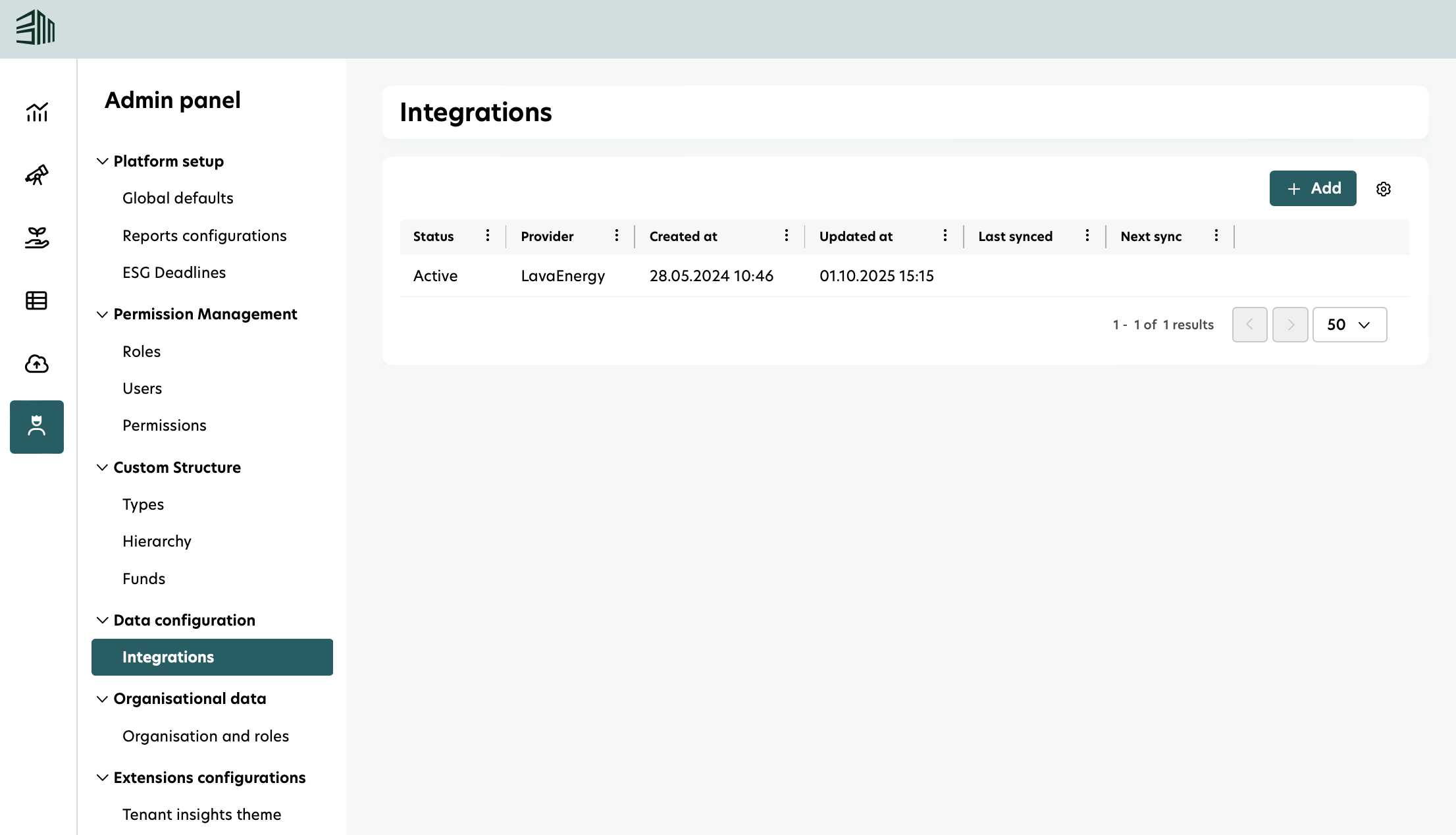
Auf dieser Seite finden Sie eine Liste aller drittanbieter Integrationen im Zusammenhang mit Ihrem Account, die sowohl aktive als auch inaktive Integrationen anzeigt.
Für jede Integration sehen Sie neben ihrem Namen und Status auch:
Wann die Integration erstellt wurde
Wann sie zuletzt aktualisiert wurde
Das Datum und die Uhrzeit der letzten Datensynchronisation
Die geplante Zeit für die nächste Synchronisation
Zugriff auf den Bericht
Wählen Sie das Admin Panel-Symbol im linken Menü.
Wählen Sie die Integrationen unter Datenkonfiguration.