
Tenant insights theme
This feature allows customers to personalize the Tenant insights interface by changing the default BuildingMinds logo and color theme (Petrol theme). Admin users can apply their company’s branding for a unique and personalized experience.
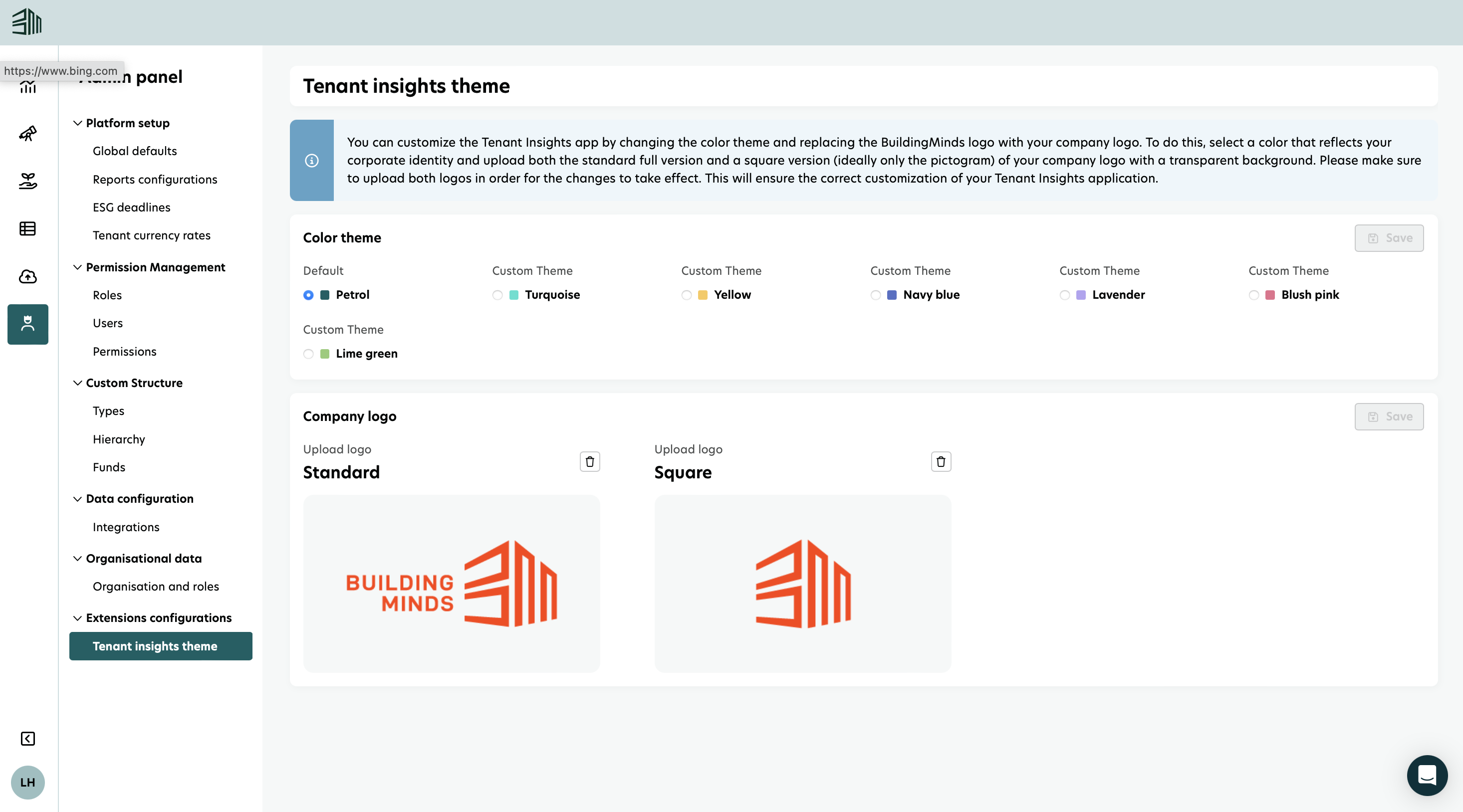
Change the logo and theme
Admin users can select a different color theme or upload their company logo to be reflected in Tenant insights interface.
Select the Admin panel icon from the left menu.
Select the Tenant insights theme under Extensions configurations.
Choose a color theme and upload both standard and square company logos.
Click Save. The changes will be reflected throughout the Tenant insights interface, including the sign-in page.