
EU Taxonomy assessment - Adaptation - Do no significant harm
This page walks you through the steps to start assessing a building for the sub-objective of adaptation (Do no significant harm).
Step 1: Access the EU Taxonomy assessment form
Select ESG reports from the left side menu.
Under EU Taxonomy, click Tool to view the table with all existing taxonomy entries for the building.
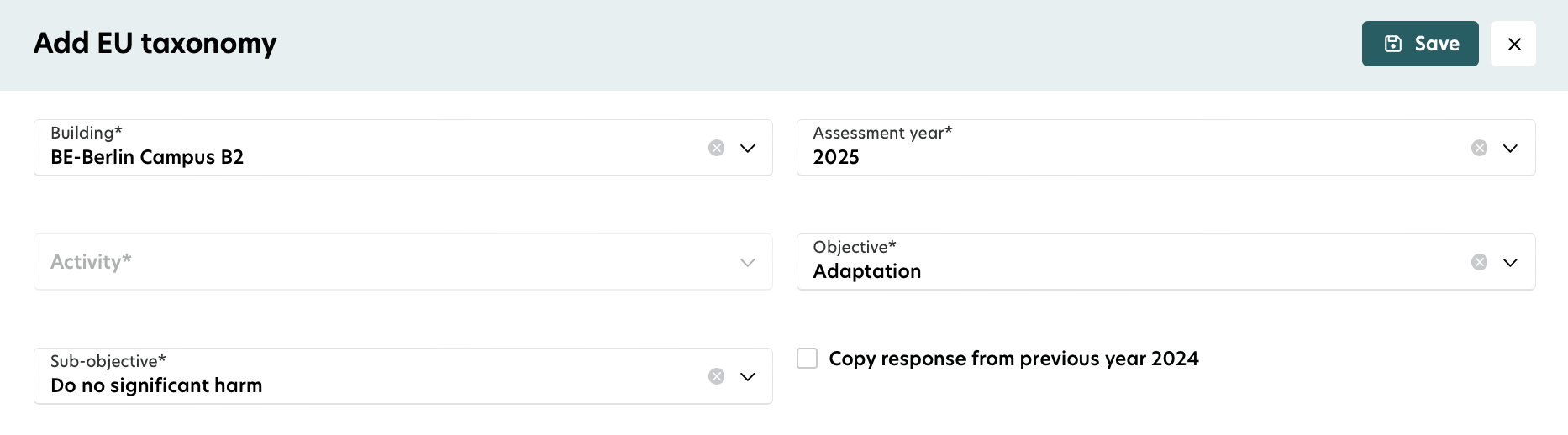
Click the Add button to create a new EU Taxonomy form.
You must complete all fields in the form to proceed.
Step 2: Start the assessment
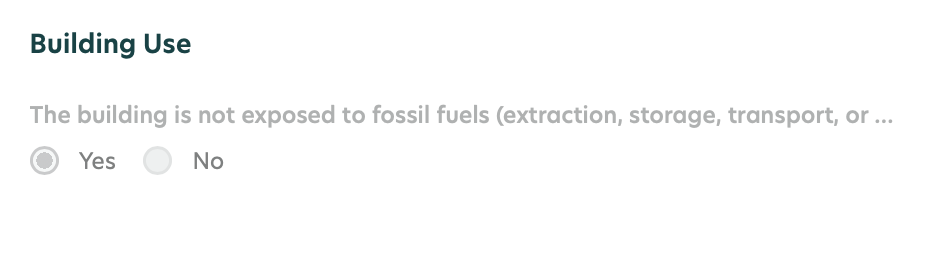
You need to answer questions about fossil fuel exposure at the building level. Add this information under Building ESG data. If the building is exposed to fossil fuels, the status will be marked as Not aligned.
You’ll also see building date details, such as the Construction date and Building permit application date.
If these dates are missing, you can update them directly in the form.
To qualify as a new building, the building permit application date must be later than 31.12.2020.
If the permit date is missing but the construction date is later than 31.12.2020, the building will still follow the previous assessment flow.

Step 3: EPC check
Select the EPC you want to report for the EU Taxonomy assessment for the chosen year:
Single EPC: This option is automatically selected.
Multiple EPCs: Choose from the dropdown menu.
No EPC but PED: If your building has no EPC but the Primary Energy Demand (PED) value is available, this value will be compared with the benchmark.
No EPC: If your building has no EPC and the PED value is unavailable, the status will be set as Not aligned.
When choosing EPCs:
EPCs can show Primary Energy Demand (PED) or Final Energy Demand (FED). PED takes priority.
You can select multiple EPCs if each has an area specified. If you pick one without an area, you can’t add more.
To clear your selection, click "X".

Step 5: Benchmark your building
Your EPC’s PED or FED will be compared to the top 30% of national and regional building stock:
Less than benchmark: The EPC area can potentially align.
More than benchmark: The EPC area is not aligned.
Currently, the platform supports the BuildingMinds internal benchmark.
Important notes:
EPCs with energy classes A, B, or C are not compared to the top 30% benchmark.
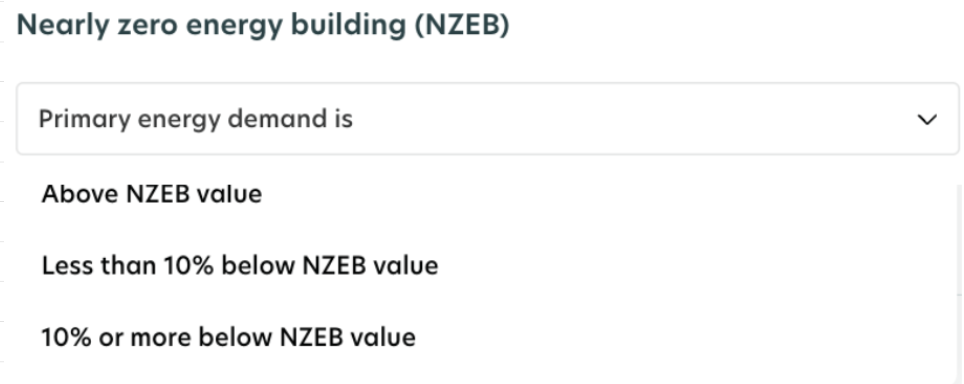
For new buildings, PED comparison uses the NZEB benchmark information stored in the EPC form. If no EPC is available, you can add the PED value, and it will be compared with the NZEB benchmark.

Once you complete all the steps, the system will calculate your EU Taxonomy assessment result.